Bring the recording.
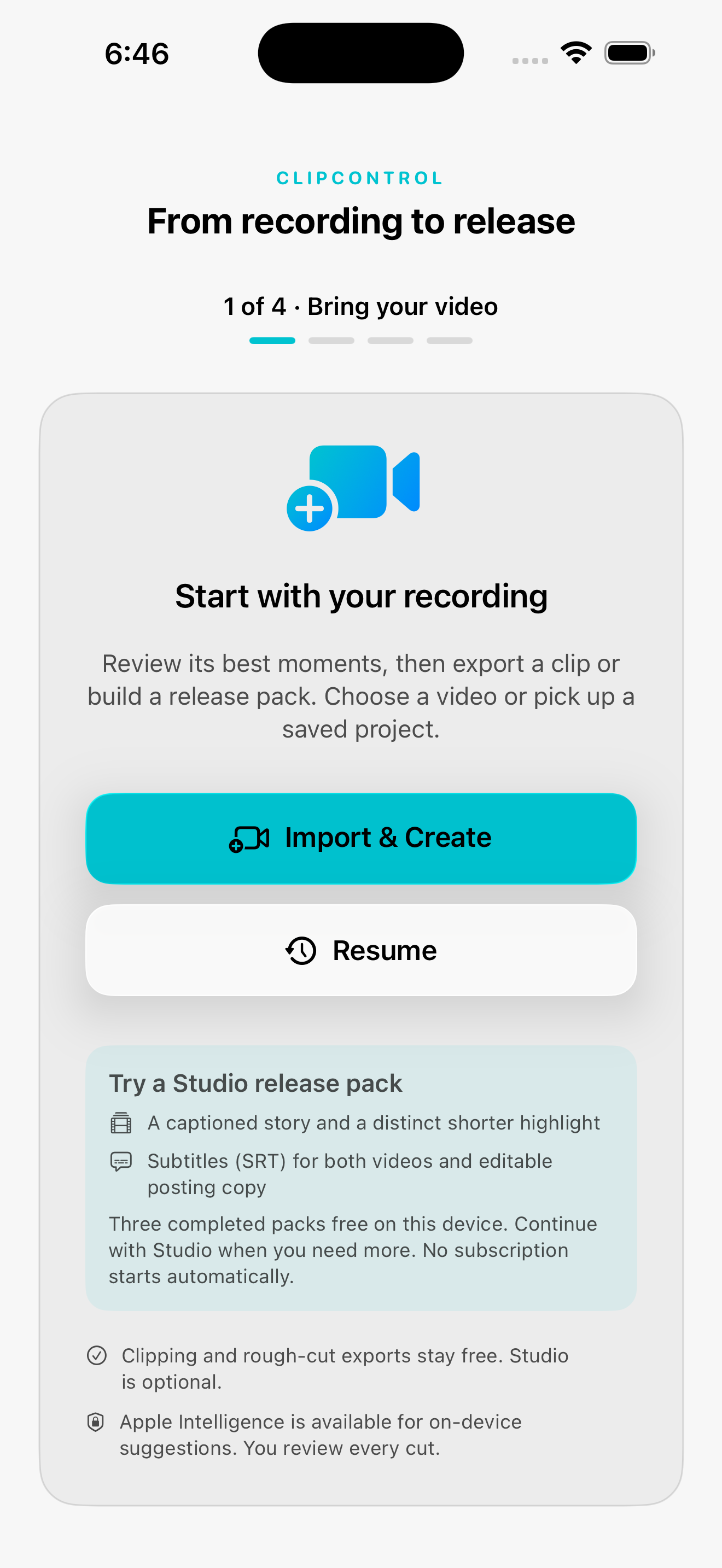
Start with a video from your device. Keep the original available while you work.
For the moments worth sharing
Turn a long recording into a short video you’re proud to post. Find the moment, shape the captions and keep the final say.
Three completed Studio packs free on this device. Core clipping stays free. No account needed. For iPhone and iPad; on-device AI requires compatible hardware and availability.
Local analysis for your source recording.
Review suggestions against the transcript.
Adjust the result before you export.
A shorter path to your next post
Start with a video from your device. Keep the original available while you work.
Review suggested moments against the actual words. Keep the context your audience needs.
Review the cut and export a video to share. Your own judgment stays part of the process.
Available in ClipControl 33
Build a captioned story and a shorter highlight, with subtitle files and editable posting copy kept together. For individual clips, choose the framing, caption look and source audio that fit the moment.
Studio packs retain the source framing and audio, with their own caption treatment. The controls below apply to individual clips. Monthly or annual Studio unlocks more completed packs after your three free packs.
Choose a readable look that suits your voice.
Shape the format, with a blur option for the background.
Control how the source audio carries the story.
Keep both videos, SRT subtitles and editable posting copy together.
Start with the work you already make
Know what you’re getting
The local clipping workflow processes your recording on your device. Sharing exports is your choice. Advertising, purchases and support have their own data practices, explained in our privacy information.
Availability depends on your device, language and system settings. The app offers a local fallback for supported transcript-based suggestions; AI results still need your review.
Core clipping, captions and rough-cut exports are free. Your first three completed Studio packs on this device are free, with no subscription started by the allowance. Monthly or annual Studio keeps new packs available and removes ads while subscribed. Lifetime Ad-Free is a separate one-time purchase that removes ads. Check the price in the app before buying.
Live video AI is not an advertised feature of this release. We’re developing a simpler in-app recording flow that feeds the existing editing workflow.
Your next post starts with your own work